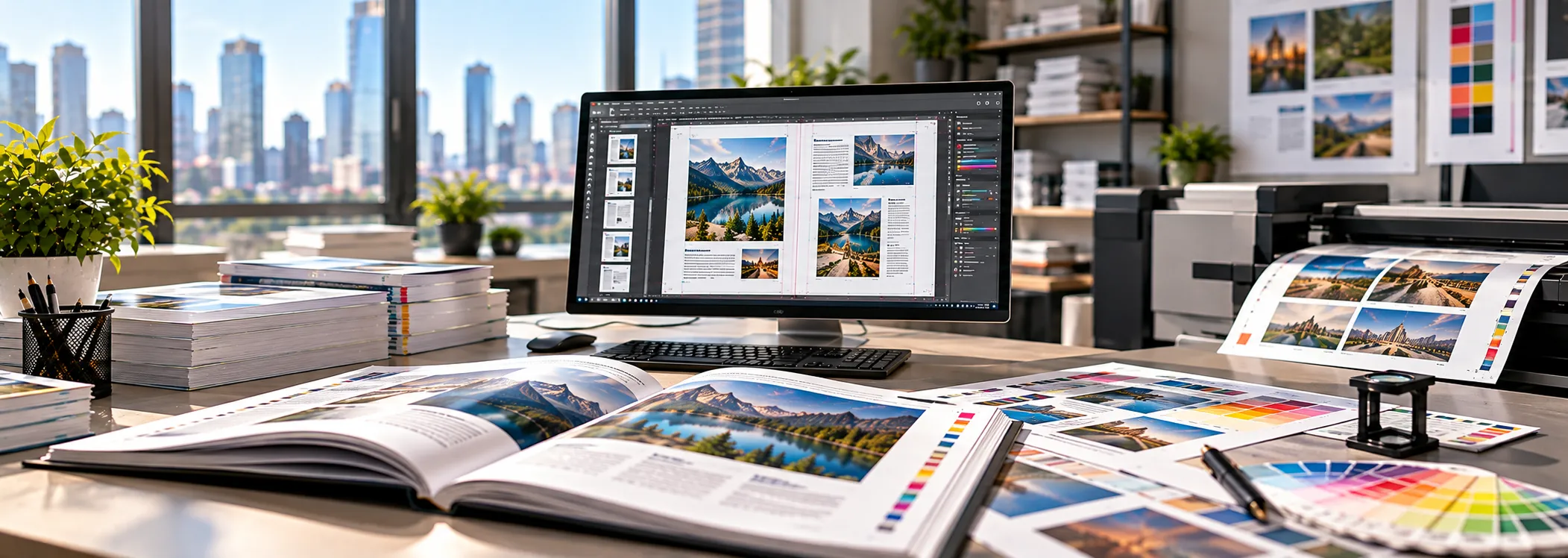
Print-ready file preparation
Print-Ready File Preparation Services for Files That Print Right the First Time
We handle print-ready file preparation for publishers, agencies, translation companies, corporates and printers, in English and in more than 100 languages, including complex scripts and right-to-left layouts.
A beautiful layout can still fail at the press. Missing fonts, low-resolution images, wrong color modes, absent bleed and broken text can all cause delays, reprints and wasted budget. Global Digital DTP prepares your files to printer specifications so they move from approval to press without surprises.
What Is Print-Ready File Preparation?
Print-ready file preparation is the process of checking, correcting and exporting a design file so that a commercial printer can produce it accurately without further changes. It sits between design or layout and the press, and it is often called prepress or preflight.
A print-ready file is not just a PDF. It is a file in which every technical element matches the printer’s requirements: page size and trim, bleed and safety margins, embedded fonts, image resolution, color space, overprint settings, spot colors, transparency and file format.
If any of these is wrong, the result may be a color shift, clipped text, white edges, blurry images or a rejected file. Preparing the file correctly before it reaches the printer is faster and cheaper than fixing the problem afterward.
Who This Service Is For
- Publishers and authors preparing books, journals, manuals and reports for offset or digital printing.
- Translation and localization companies whose translated content must be returned as print-ready files in every target language.
- Marketing and design agencies that need a dependable prepress partner to handle volume or tight deadlines.
- Corporate teams printing brochures, catalogs, annual reports, training material and packaging inserts.
- Printers and print brokers who want to receive clean, compliant files and reduce back-and-forth with customers.
If you have a file that needs to go to print and you are not sure it is ready, we can review it and tell you exactly what needs to change.
Our Print-Ready File Preparation Services
Preflight Check and Error Report
We run a thorough preflight on your file and send you a clear report of what is wrong and what it affects. This includes missing or non-embedded fonts, low-resolution or linked images, incorrect color modes, missing bleed, text outside safe margins, hairline strokes, overprint issues and unsupported transparency.
If you only need a diagnosis, we can stop at the report. If you want the problems fixed, we move straight to correction.
Fixing and Finalizing Layout Files
We correct the issues the preflight finds and finalize the layout without changing your design intent. Typical fixes include:
- Extending backgrounds and images into the bleed area
- Repositioning text and logos that sit too close to the trim edge
- Replacing missing fonts or re-linking missing images
- Resolving text reflow and overset text
- Cleaning up stray objects, hidden layers and unused swatches
- Standardizing styles so that edits stay consistent
Bleed, Trim and Crop Mark Setup
We set up page size, trim, bleed and slug according to your printer’s specifications, typically 3 mm (0.125 in) bleed unless your printer requires otherwise. Where needed, we add crop marks, registration marks and color bars so the printer can trim and align accurately.
Color Mode and Color Profile Conversion
Screens use RGB, while most print work uses CMYK. We convert artwork and images to the correct color space and apply the ICC profile your printer asks for, such as FOGRA39, FOGRA51, GRACoL or SWOP. We also manage spot colors and Pantone swatches, control rich black and total ink coverage, and flag colors that will not reproduce well on press.
Image Resolution and Quality Checks
Print images generally need an effective resolution of 300 ppi at final size. We check every placed image, flag anything below the requirement, and, where possible, recommend replacements or optimize what you have. We do not upscale low-quality images and pass them off as high resolution, and we will tell you plainly when an image is not suitable for print.
Font Management and Text Outlining
We embed fonts or convert text to outlines according to your printer’s preference and the font’s license. For multilingual files, we make sure the correct fonts are applied for each script, so that no characters drop out, show as boxes or fall back to the wrong typeface.
PDF/X Export and Printer-Specific Presets
We export final files as PDF/X-1a, PDF/X-3 or PDF/X-4, or to the custom preset your printer provides. Each PDF is checked after export to confirm that fonts are embedded, color is correct, bleed is present and page count and order are right. We can deliver single-page, spread or imposition-ready versions depending on the job.
Imposition-Ready and Binding-Aware Files
For books and booklets, we prepare files that account for binding. That includes spine width calculation, cover wrap setup, page counts in multiples that suit the signature, gutter and inner margins, and creep where saddle stitching is used. We can supply separate cover and interior files or combined files, according to your printer.
Conversion from Non-Print Formats
If your content exists only as a Word file, PowerPoint presentation, flattened PDF or scan, we can rebuild it as a properly structured layout and then prepare it for print. See our related services for PDF to InDesign conversion, Word and PowerPoint DTP and OCR services.
Our Print-Ready Preparation Process
Step 1: Share Files and Printer Specifications
Send us your source files (InDesign, Illustrator, Photoshop, Word, PowerPoint, Affinity, QuarkXPress or PDF) along with linked images and fonts. If you have a printer, send their specification sheet or preset. If you do not, tell us the print method, paper type and finished size, and we will work out the right setup.
Step 2: Preflight and Assessment
We inspect the files and prepare a report listing every issue, its impact and the recommended fix. You get a quote and a turnaround estimate before any work begins.
Step 3: Correction and Preparation
Our prepress specialists fix the issues, apply the right color settings, set up bleed and marks, and finalize the layout.
Step 4: Quality Review
A second person reviews the file against the printer’s specifications, checking page by page. Multilingual files receive a language-specific visual check for font integrity, line breaks and text direction.
Step 5: Delivery of Print-Ready Files
You receive print-ready PDFs, together with the updated source files and a short summary of what was changed, so your team can reuse the work next time.
Common Print File Problems We Fix
| Problem | What Happens at Print | How We Fix It |
| No bleed | White slivers appear at the trimmed edge | Extend artwork into a 3 mm bleed |
| RGB images in a CMYK job | Colors look dull or shift unexpectedly | Convert to the right profile and check the result |
| Low-resolution images | Pixelated or blurry output | Replace, optimize or flag unusable images |
| Missing or unembedded fonts | Text changes or reflows | Embed fonts or outline text |
| Text too close to trim | Text is cut off or looks cramped | Move content inside safe margins |
| Excessive ink coverage | Smudging, slow drying, set-off | Reduce total area coverage to printer limits |
| Hairline strokes | Lines disappear in print | Set minimum stroke weights |
| Transparency and overprint errors | Unexpected dark or missing areas | Flatten or set overprint correctly |
| Wrong page size or orientation | Misaligned trim or rejected file | Reset document and trim size |
| Incorrect page order or count | Binding errors in books and booklets | Reorder and correct to signature requirements |
Print Formats and File Types We Support
Print products: books, textbooks, journals, magazines, catalogs, brochures, flyers, posters, annual reports, manuals, leaflets, packaging inserts, product labels, business stationery, banners and presentation handouts.
Source formats: Adobe InDesign (INDD, IDML), Illustrator (AI), Photoshop (PSD), Acrobat (PDF), Microsoft Word (DOC, DOCX), PowerPoint (PPT, PPTX), Affinity Publisher and QuarkXPress.
Output formats: PDF/X-1a, PDF/X-3, PDF/X-4, press-quality PDF, high-resolution TIFF or JPEG, EPS, packaged InDesign files and, where needed, e-book or web-optimized versions.
Print methods: offset, digital, large-format, print-on-demand (including KDP and IngramSpark) and screen printing.
Print-Ready Preparation for Multilingual Projects
Print preparation is harder when content is translated. Text expands or contracts, scripts behave differently, and fonts often fail silently. Our team specializes in this part of the job.
- Text expansion and contraction: German and French often run longer than English, while Chinese and Japanese run shorter. We adjust layouts so the translated text fits without breaking the design.
- Complex and non-Latin scripts: We prepare files in Arabic, Hebrew, Hindi and other Indic languages, Thai, Chinese, Japanese, Korean, Russian and many more, using the correct fonts and shaping engines.
- Right-to-left layouts: We mirror layouts, set paragraph direction, manage mixed-direction text and handle numerals and punctuation properly.
- Line breaking and hyphenation: We apply language-specific rules so that lines break correctly.
- Font coverage: We check that every glyph is available and that fonts are licensed for commercial print.
- Localized artwork: Text embedded in images, charts and infographics is recreated in the target language. See our image localization services.
If you are a language service provider, we can work directly as your white-label prepress team. Read more about multilingual desktop publishing and DTP outsourcing.
Why Choose Global Digital DTP
- Specialists in prepress and DTP: Our team works every day with InDesign, Illustrator, Photoshop and Acrobat Pro preflight tools.
- Multilingual expertise: We are comfortable with scripts and layouts that general print shops struggle with.
- Printer-specific accuracy: We work to your printer’s specifications, not a generic template.
- Clear communication: You always know what we found, what we changed and why.
- Confidentiality: Your files are handled under NDA when requested and stored securely.
- Scalable capacity: We handle a single brochure or a catalog of several thousand pages.
- Fast turnaround: Standard and rush options are available, with time zone coverage that suits global teams.
- Editable source files delivered: You keep full control over your files, with no lock-in.
Print-Ready File Preparation Checklist
Use this list before you send files to a printer or to us.
- Confirm the final trim size, page count and binding method.
- Set bleed (usually 3 mm or 0.125 in) and keep key content inside the safe margin.
- Make sure all images are 300 ppi at final size.
- Convert images to the correct color space and profile.
- Embed or outline all fonts, and check that licenses allow it.
- Check for overset text, missing links and unused objects.
- Confirm spot colors, Pantone references and overprint settings.
- Keep total ink coverage within the printer’s limit.
- Export to the PDF/X standard your printer requests.
- Inspect the exported PDF page by page at full size.
- Request a proof before approving a large run.
This list is a start. If any item is unclear, send the file and we will review it.
Print-Ready File Preparation FAQs
What does print-ready mean?
Print-ready means a file meets all technical requirements of the printer: correct size, bleed, color mode, embedded fonts, image resolution and file format. A print-ready file can go to press with no further changes.
What file format is best for printing?
For most commercial print jobs, a PDF/X file is the safest choice, with PDF/X-1a and PDF/X-4 being the most common. Always check which version your printer prefers.
How much bleed do I need?
Most printers ask for 3 mm (0.125 inch) bleed on every side that touches the trim edge. Some large-format and packaging jobs need more, so confirm with your printer.
What resolution should images be for print?
Aim for 300 ppi at the final printed size. Large-format work, such as posters and banners, may use lower resolutions because the viewing distance is greater.
Should I use RGB or CMYK for print?
CMYK is the standard for offset and most digital printing. Some digital and large-format printers accept RGB and convert on their own, but converting in advance gives you more control over the result.
Can you work with my printer’s specifications?
Yes. Send us the specification sheet or preset and we will prepare files to match it exactly.
Can you prepare print-ready files from a Word document or PowerPoint?
Yes. We rebuild the content in a professional layout application and prepare it for print, or we prepare it directly if the file is suitable. Our Word and PowerPoint DTP services cover this in detail.
Can you handle files in languages other than English?
Yes. We prepare print files in more than 100 languages, including Arabic, Hebrew, Chinese, Japanese, Korean, Thai and Indic scripts.
Will I receive the editable source files?
Yes. We return the print-ready PDFs along with the updated, packaged source files.
How long does print-ready file preparation take?
Simple files can be ready within one business day. Larger or multilingual projects take longer, and we confirm the timeline with your quote.
What if my printer rejects the file?
Send us the printer’s feedback and we will correct the file and resubmit it promptly.
Is my content kept confidential?
Yes. We follow strict confidentiality practices and sign NDAs on request.
Related Services
- Multilingual Desktop Publishing Services
- InDesign DTP Services
- Book DTP & Typesetting Services
- PDF to InDesign Conversion Services
- Multilingual Typesetting Services
- DTP Outsourcing Services
Get Your Files Print-Ready
Send us your files and printer specifications, and we will respond with a preflight report, a fixed price and a delivery date.
No guesswork and no costly reprints.
Email: info@globaldigitaldtp.com | Phone/WhatsApp: +91 8826707501